Changing the Hostname of a Node
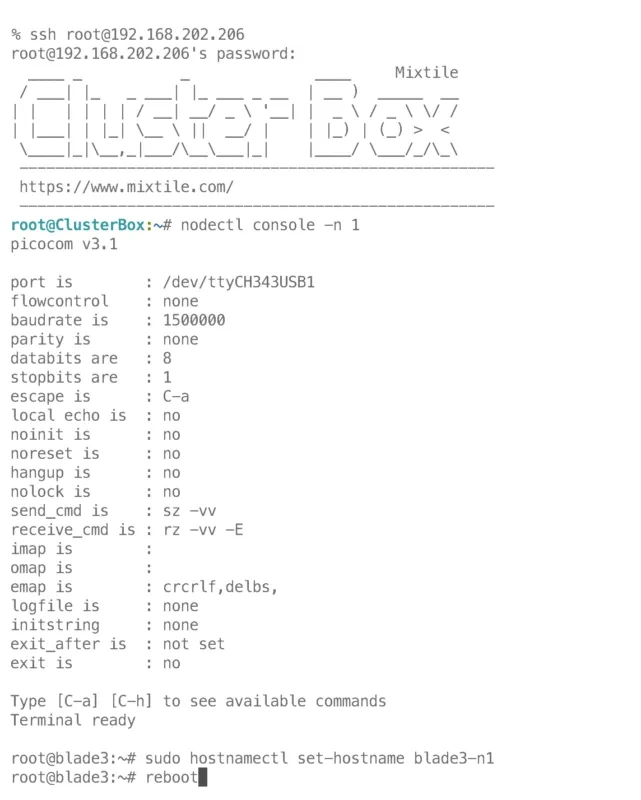
Step 1: Obtain the IP address of your Cluster Box and use SSH to log in:
ssh root@[IP address]
or
ssh mixtile@[IP address]
The password for root is root, and the password for mixtile is mixtile.
Step 2: Log in to the console of each of the 4 nodes and change their hostnames using the following commands:
root@ClusterBox:~# nodectl console -n 1
root@blade3:~# sudo hostnamectl set-hostname blade3-n1
After running the command, reboot the blade3 to apply the changes. To exit the node console and return to Cluster Box, press Ctrl-A, then Ctrl-X. Repeat these steps to change the hostnames of the other nodes, such as blade3-n2, blade3-n3, and blade3-n4. You can also set the hostnames to any other names you prefer.
Refer to the screenshot below for an example: