Accessories
Core 3588E Heatsink
The Core 3588E Heatsink is an aluminium heatsink with a fan, made to mount directly on the module. The fan is a four-wire PWM fan: the carrier board powers it, and Mixtile OS sets its speed from the SoC temperature.
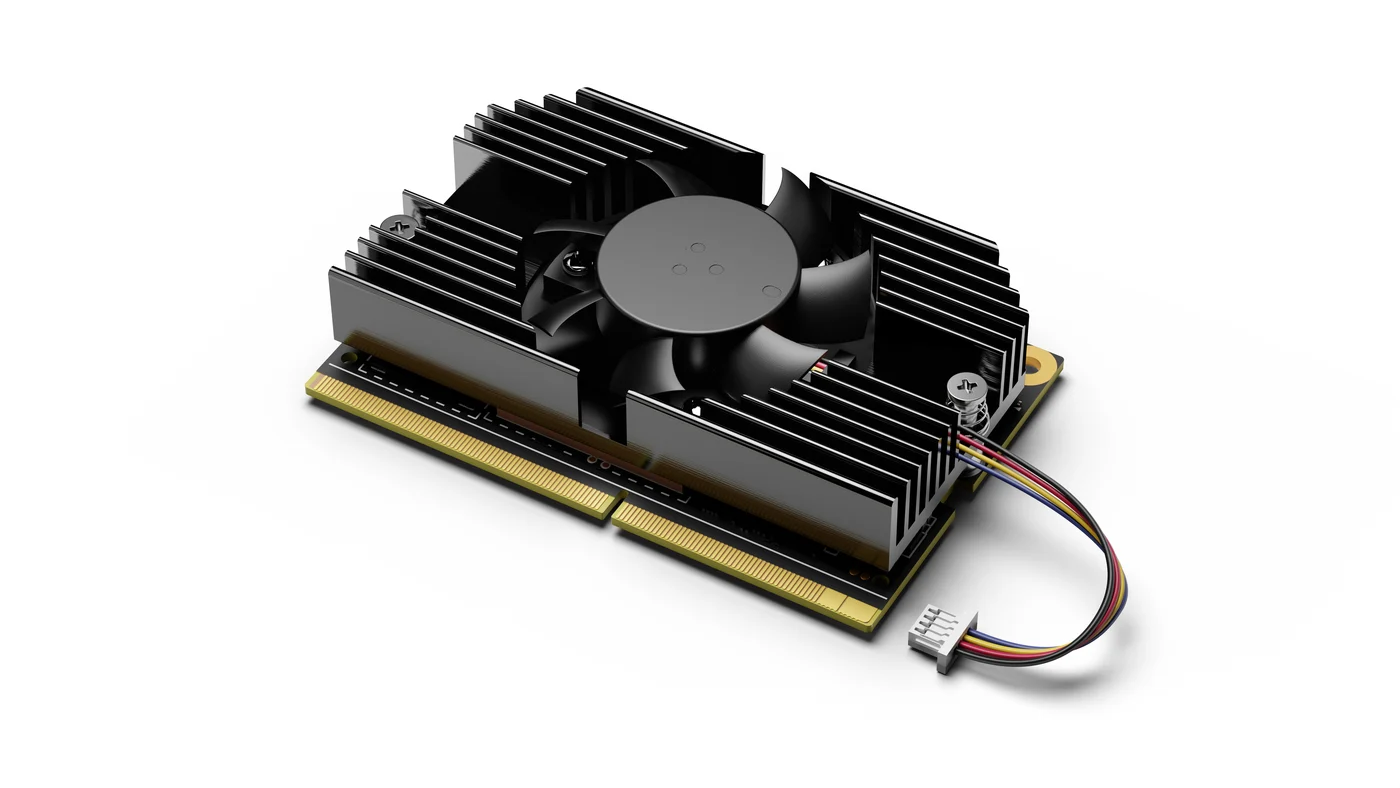
Figure 1. Core 3588E Heatsink on the module
Technical specifications
| Item | Specification |
|---|---|
| Fan | 5 V, dual ball bearing, four-wire PWM |
| Fan speed | 0 to 5000 RPM, ±10 % |
| Fan life expectancy | 70,000 hours |
| Size (L x W x H) | 73 x 40 x 10 mm |
| Weight | 32 g |
| Cable | 80 mm, with a four-pin 1.25 mm pitch connector |
Install the heatsink
- Disconnect the power adapter from the carrier board.
- Place the heatsink on the module, with the thermal pad between them, and line up its screw holes with the two nuts on the module.
- Fasten the heatsink with the two screws.
- Connect the fan cable to the fan header of the carrier board.
- Connect the power adapter.
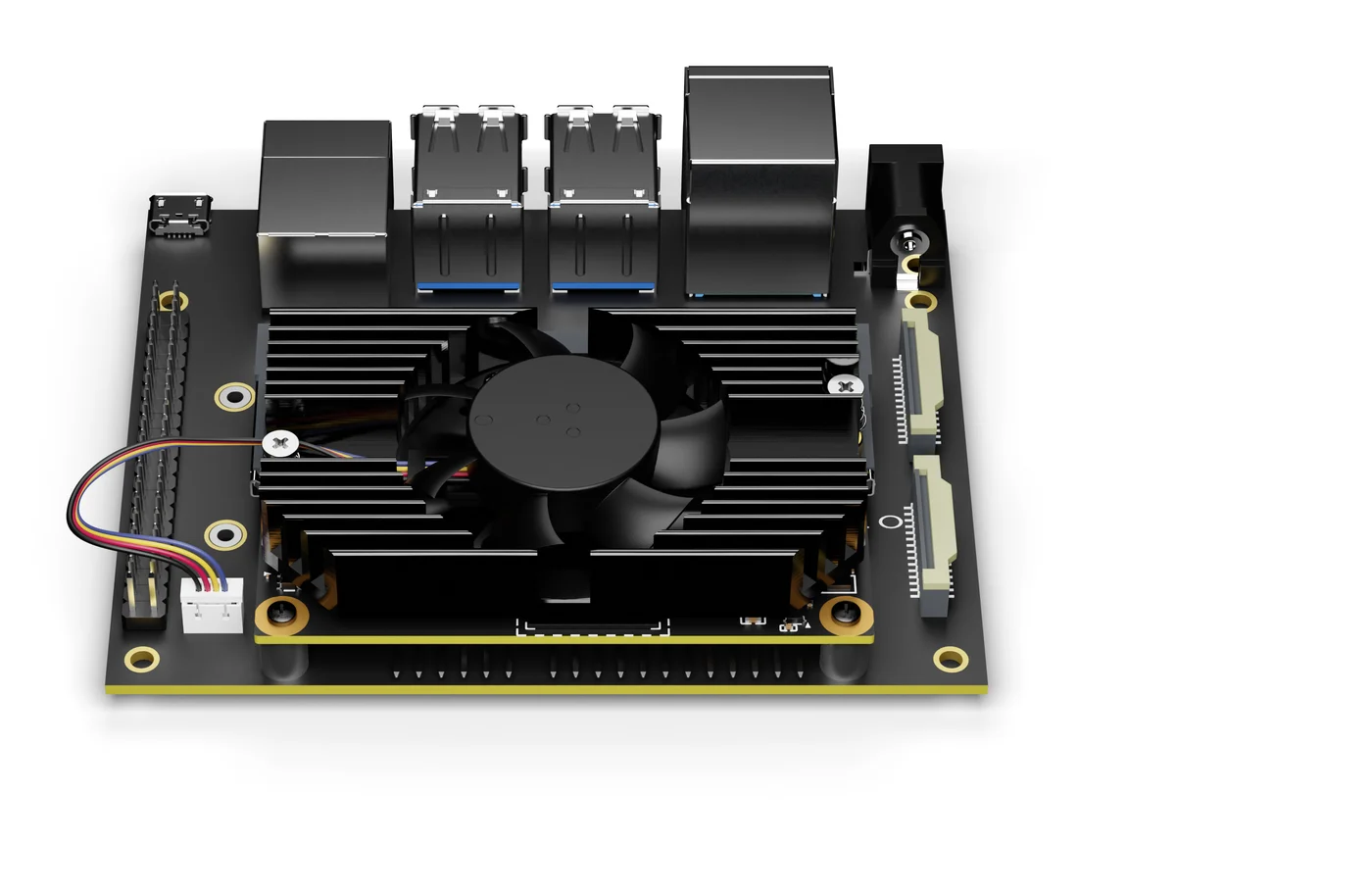
Figure 2. The heatsink installed, with its fan connected to the carrier board
Core 3588E modules were made in two versions, which differ in the height of the nuts that hold the heatsink: version 1.0 has 3 mm gold-coloured nuts, and version 2.0 has 2.2 mm silver-coloured nuts. The heatsink comes with a thermal pad for each version. Use the one that matches your module.
Fan speed
The fan runs slowly while the SoC is cool, and speeds up in steps as the SoC temperature passes 40, 45, 50 and 55 °C. No setup is needed.
To check the SoC temperature:
cat /sys/class/thermal/thermal_zone0/temp
The value is in thousandths of a degree Celsius, for example 55461 for 55.5 °C.
Using another fan
Another fan works if it matches the connector and wiring of the Core 3588E Heatsink fan:
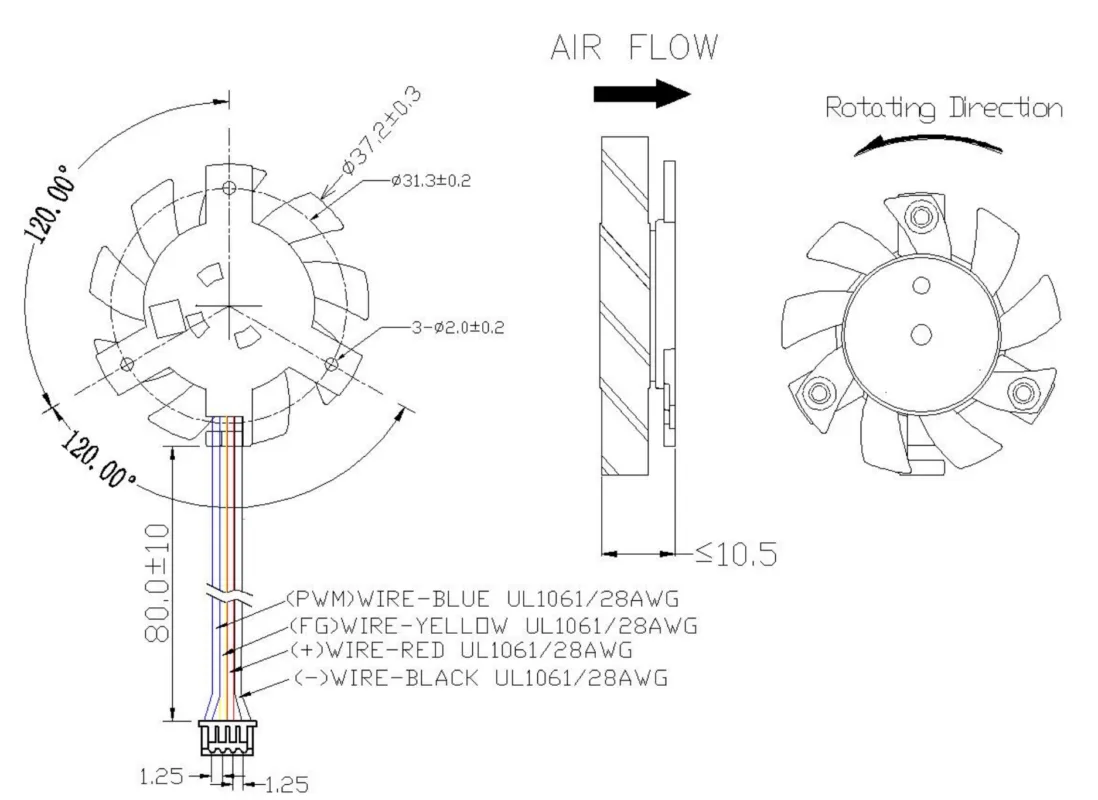
Figure 3. Fan wiring of the Core 3588E Heatsink