Updating Z-Wave Firmware
This page describes how to update the Z-Wave firmware of the module in Home Assistant. Before you start, set up Z-Wave in Home Assistant as described in Setting Up Zigbee and Z-Wave.
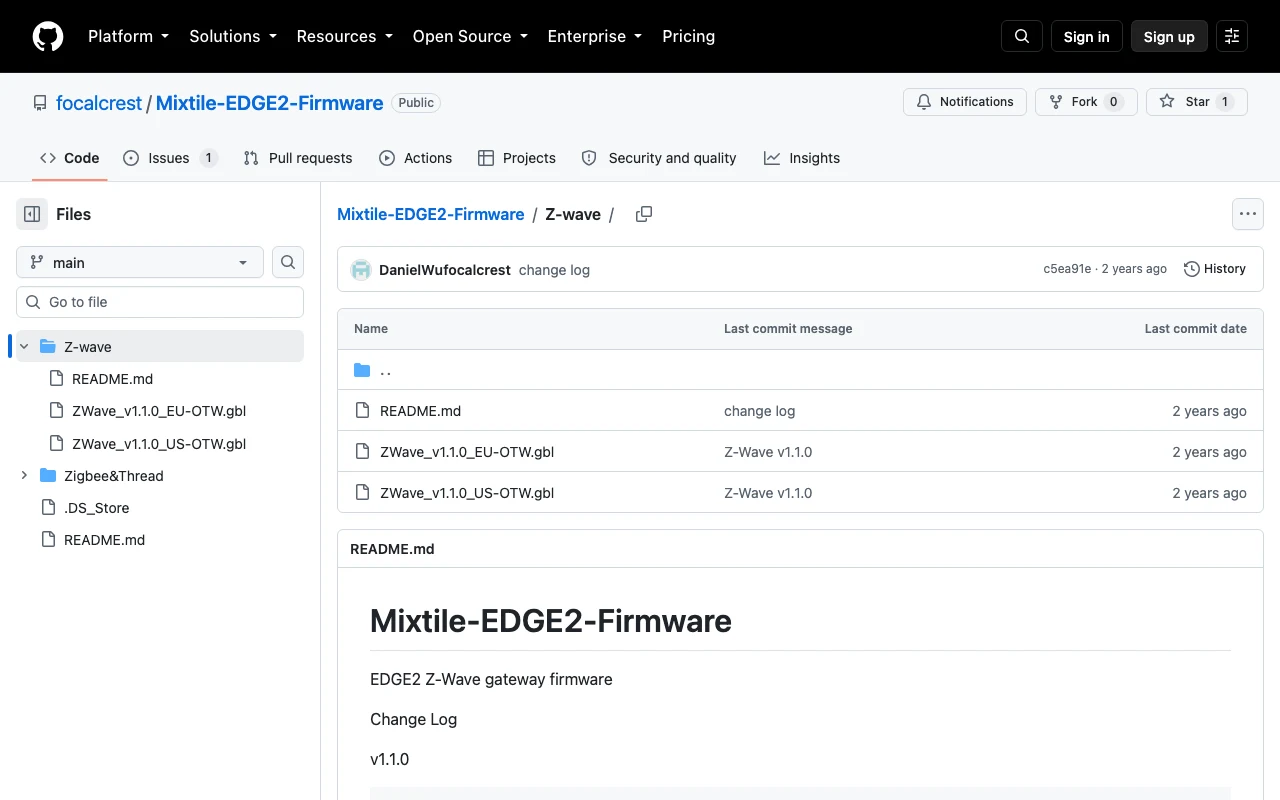
- Download the firmware for your region from the Z-Wave firmware folder. If your region is not available, use
ZWave_v1.1.0_EU-OTW.gbl.
-
In the Home Assistant dashboard (
<IP-address>:8123), click Settings > Devices & services. -
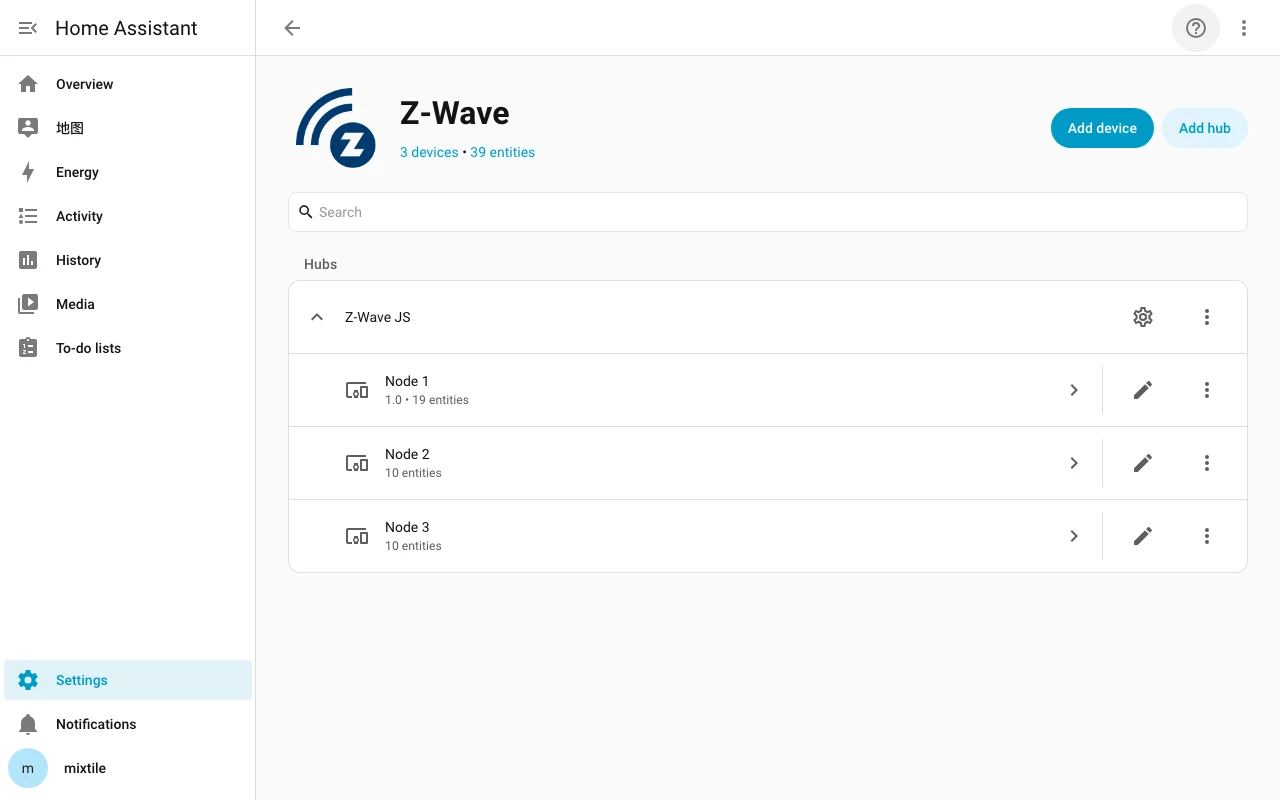
Find and click Z-Wave, then click Node 1.
Node 1is your Z-Wave module; the other nodes are your Z-Wave devices.
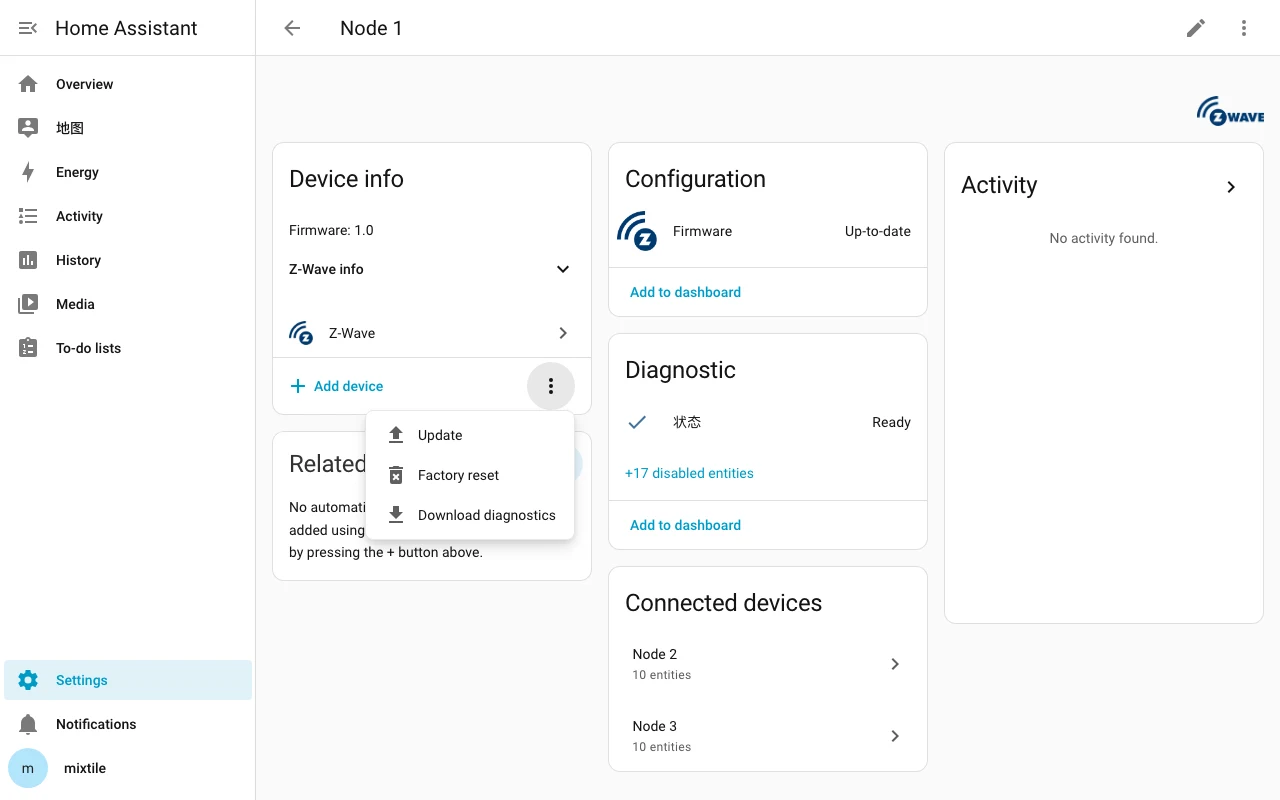
- In the Device info card, click ⋮ > Update:
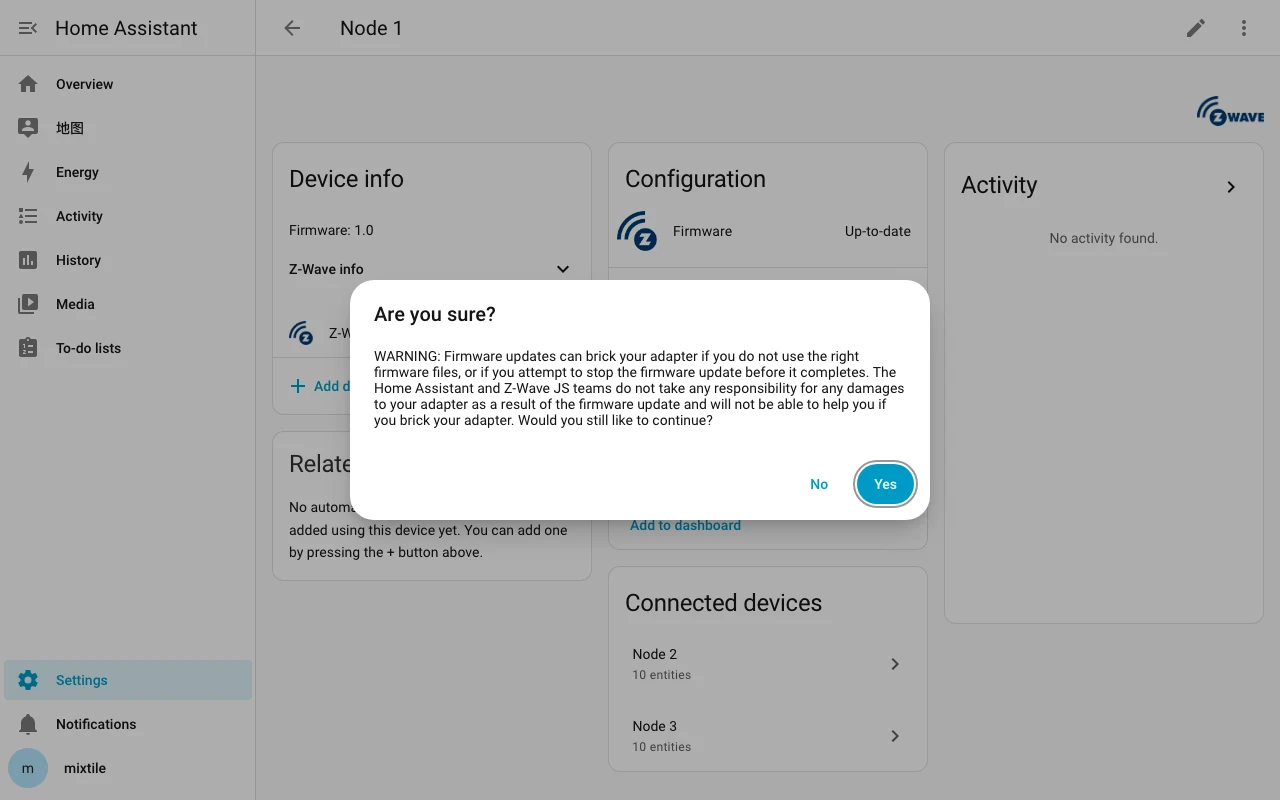
- On the warning that is displayed, click Yes.
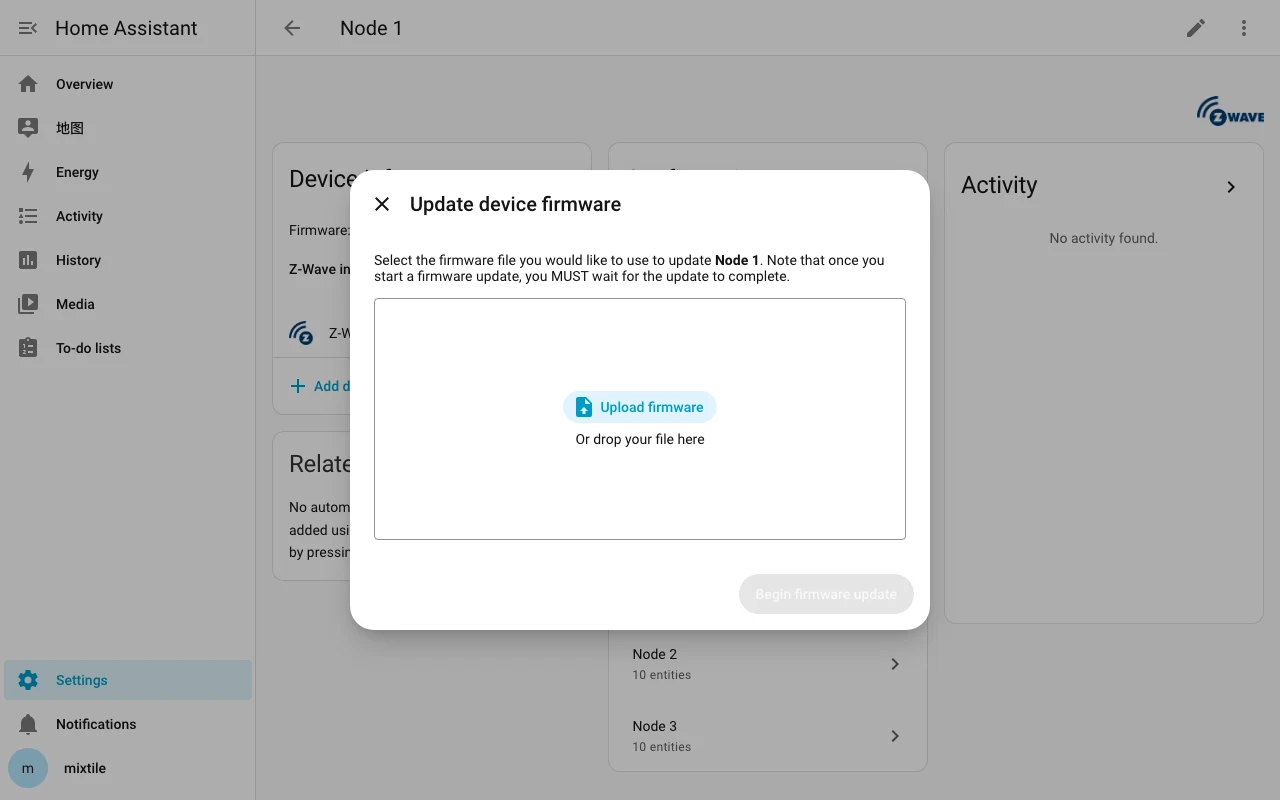
- Click Upload firmware, select the firmware downloaded in step 1, and then click Begin firmware update.
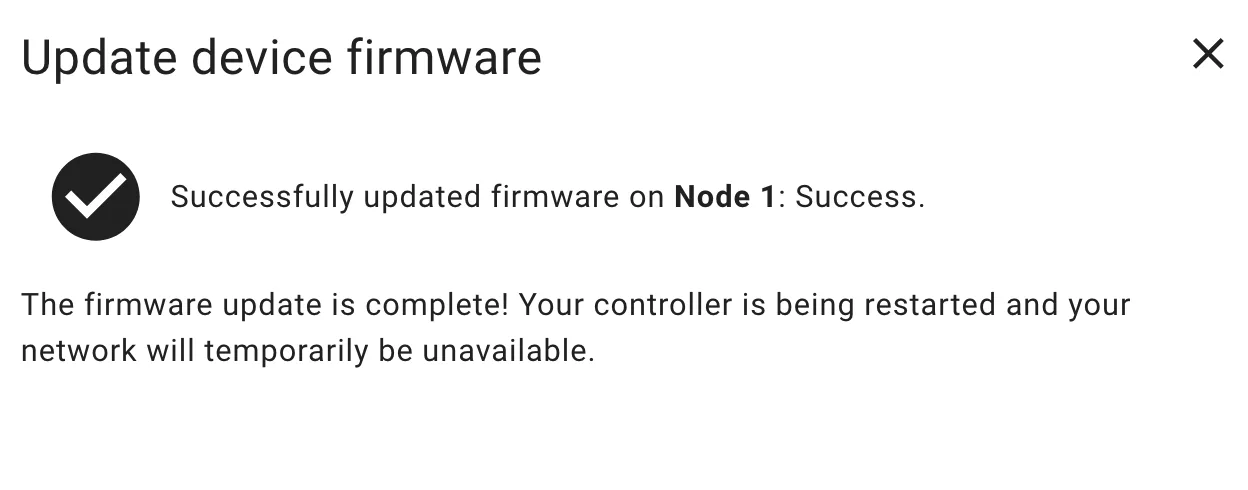
If you see the page below, your Z-Wave firmware has been updated successfully. It will become unavailable for about 5 minutes and then restart automatically. You can ignore the Z-Wave JS errors reported during this period.