Using the Module on a Raspberry Pi
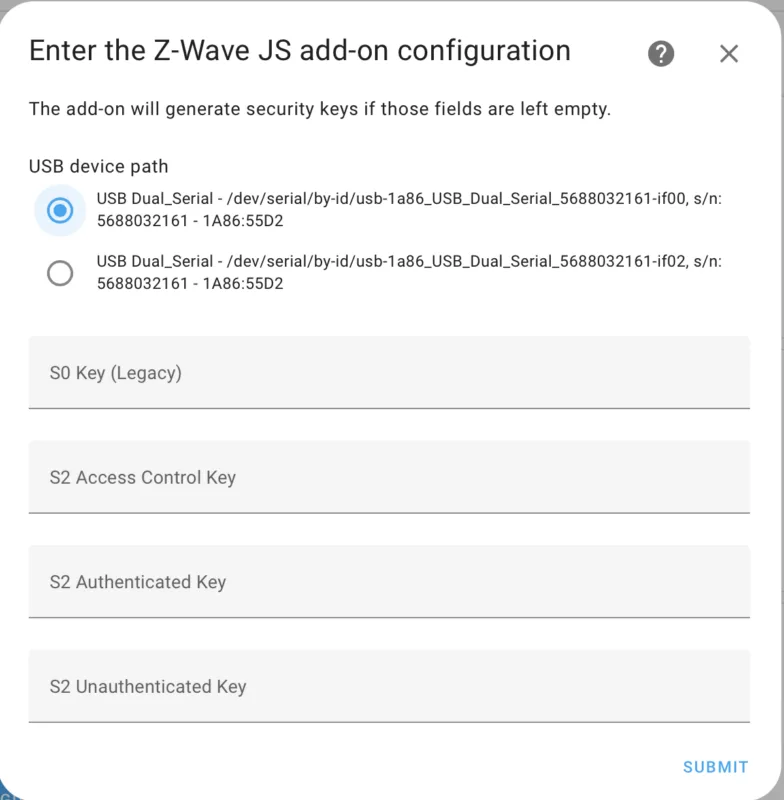
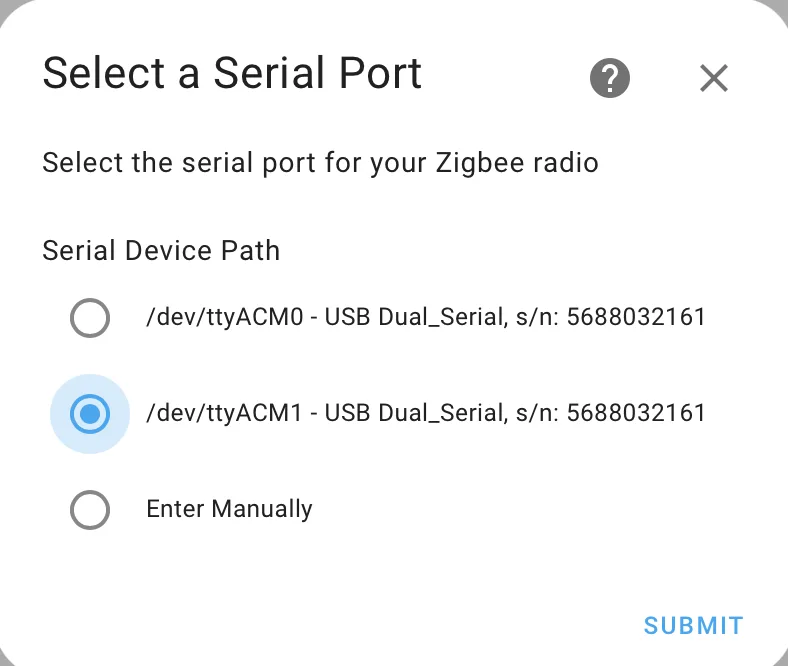
Use HAT for mini-PCIe USB, and install the HAT and the 2-in-1 module on Raspberry Pi. The 2-in-1 Zigbee & Z-Wave mPCIe module will be recognized automatically in the Home Assistant system of Raspberry Pi. It will be recognized as /dev/ttyACM0 (Port for Z-Wave Radio) and /dev/ttyACM1 (Port for Zigbee Radio). Please select the correct port when installing the Z-Wave and Zigbee add-ons.