Home Assistant OS
Overview
Home Assistant OS turns Edge 2 into a dedicated Home Assistant hub. Mixtile builds it for Edge 2 from the stable releases of the official Home Assistant Operating System, with the Edge 2 board support added, and publishes it in the mixtile-rockchip/mixtile-haos repository.
With the Mixtile 2-in-1 Zigbee and Z-Wave module in the Mini PCIe socket, Edge 2 can control Zigbee and Z-Wave devices directly.
Hardware support has not been fully verified on Edge 2. Test the interfaces you need before you rely on the system.
Download
Open the latest release and download the file named haos_mixtile-edge2-<version>.img.xz. The .raucb file in the same release is an update bundle for a system that is already installed, and is not needed for a new installation.
Earlier releases are on the releases page.
Install
The file is a complete disk image compressed with xz. Extract the .img file, then write it to the eMMC as described in Flashing an OS Image.
This procedure has not yet been verified with the Home Assistant OS images.
First Boot
-
Connect Edge 2 to your network with an Ethernet cable.
-
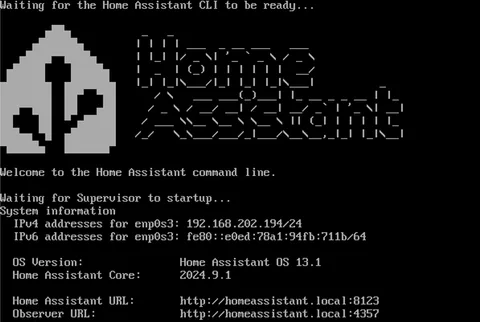
Optionally, connect a monitor to HDMI. It shows the Home Assistant CLI and the board's IP address.
-
Connect the power supply, see Quick Start.
-
On a computer in the same network, open
http://homeassistant.local:8123. If more than one Home Assistant system is on the network, or the name does not resolve, openhttp://<board-ip>:8123instead.
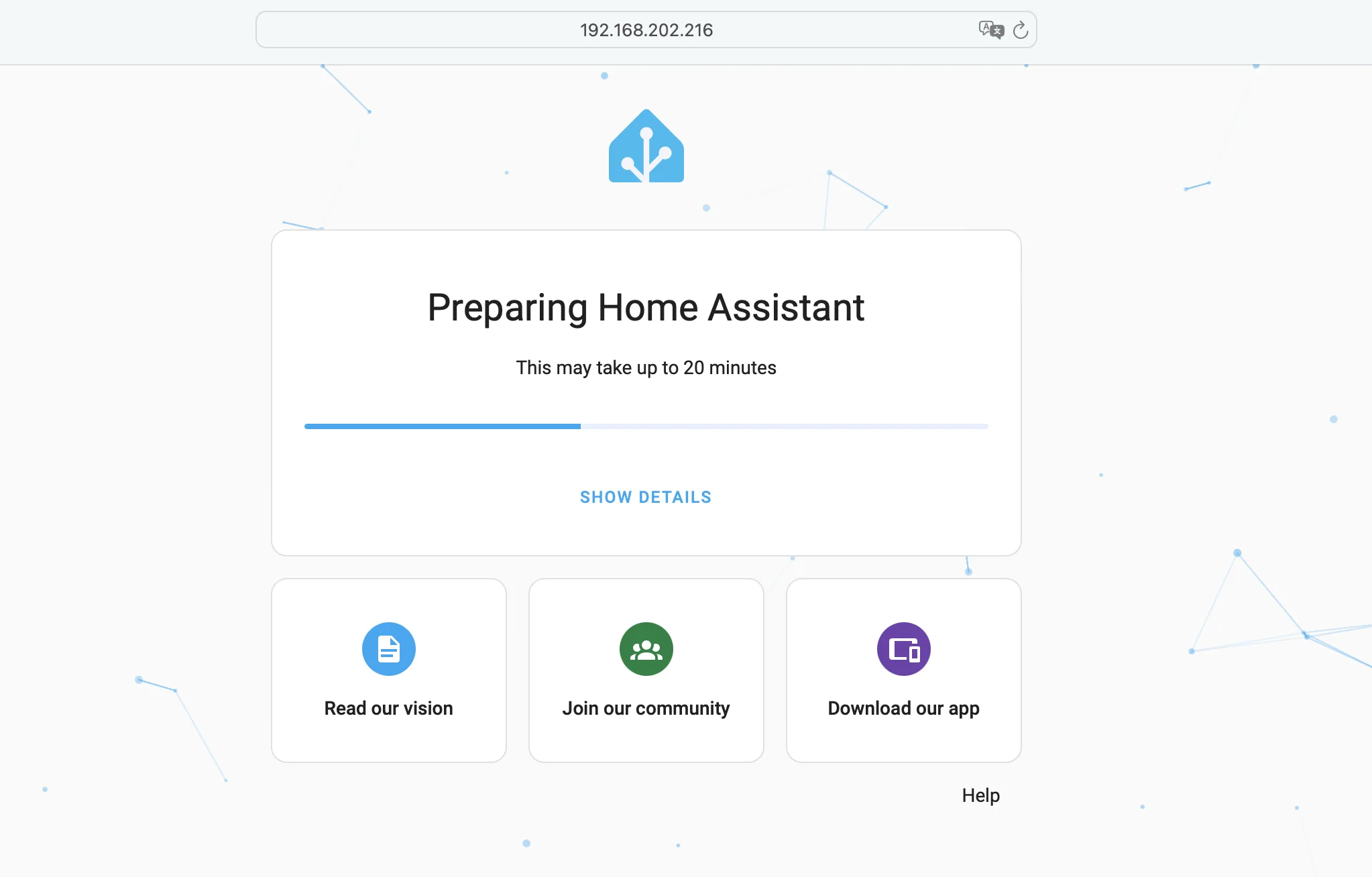
At the first startup, Home Assistant prepares itself, which can take about 20 minutes. The page shows its progress:
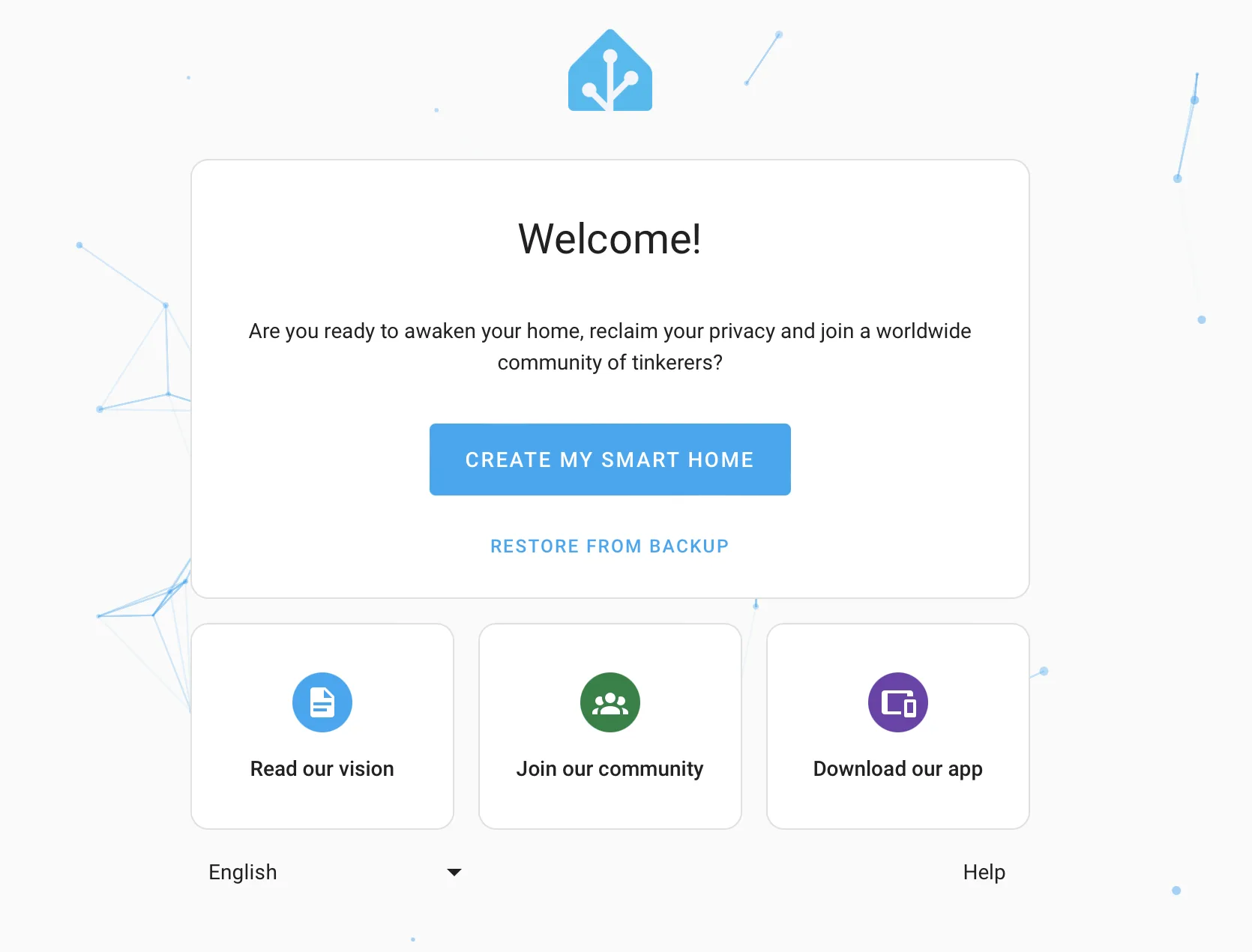
When it is ready, the onboarding page appears. Create your Home Assistant account and follow the steps on the page:
For how to use Home Assistant, see the Home Assistant documentation. To set up the Zigbee and Z-Wave module, see Accessories.